
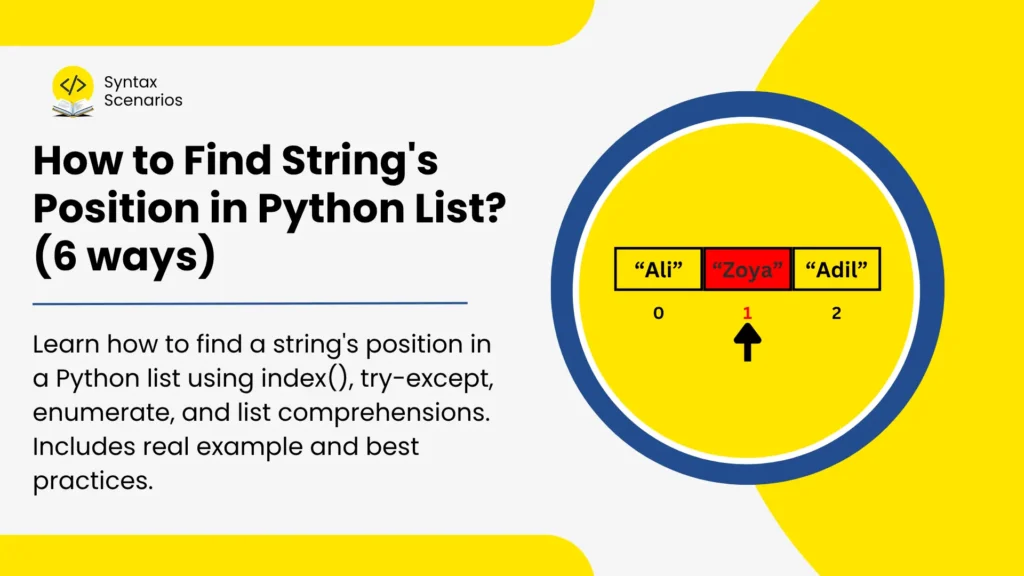

Finding the position of a string inside a Python list is a common task in data handling, APIs, and automation scripts.
The good news? Python provides a simple built-in solution. However, there are a few important details you should know to avoid errors, handle duplicates, and improve performance.
This guide walks you through the most reliable ways to do it, from the fastest one-liner to handling edge cases like duplicates, missing strings, and case-insensitive searches.
The Quick Answer: Use the index() Method
The fastest and most direct way to find a string’s position in a Python list is Python’s built-in index() method. It searches the list from left to right and returns the zero-based index of the first exact match it finds. Since Python lists start at zero, the first item sits at position 0.

Think of it like a hotel check-in desk. You ask, “Which room is Ali Khan in?” and the receptionist scans the list top to bottom, stops at the first “Ali Khan”, and tells you the room number, not every room, just the first one.
Example
Since Python uses zero-based indexing, "banana" is located at position 1.
fruits = ["apple", "banana", "cherry", "banana"]
position = fruits.index("banana")
print(position)
Output
1
Methods to Find a String’s Position in a Python List
| Method | Best For |
|---|---|
index() | Finding the first occurrence |
try-except with index() | Handling missing strings safely |
in + index() | Checking existence before searching |
enumerate() | Finding all occurrences |
enumerate() + lower() | Case-insensitive searching |
enumerate() + in | Partial string matching |
1. list.index(): Find the First Exact Match
index() scans from left to right and stops at the very first match. The optional start and end parameters let you limit the search to a specific portion of the list. If the string doesn’t exist, Python raises a ValueError and your program crashes, so only use this when you’re certain the item is there.
Syntax:
list.index(value, start, end)
list: the list you want to searchvalue: the exact string you’re looking for (required)start: index to begin searching from (optional)end: index to stop searching at, exclusive (optional)
Example
In this example, Python searches through the servers list looking for the string "cache-01". Since "cache-01" is the third item in the list, Python returns its index position, which is 2 because list indexing starts from zero.
# A list of servers
servers = ["web-01", "db-01", "cache-01", "web-02"]

# Find the position of "cache-01"
position = servers.index("cache-01")

print(f"Found at index: {position}")
Output
Found at index: 2
2. try-except with index(): Safe Lookup for Missing Strings
To avoid the ValueError, utilize this method. Use this when the string might not exist, and you want your program to keep running without crashing.
Syntax
try:
    position = list.index(value)
except ValueError:
# handle the missing casetry: wraps the code that might faillist.index(value: the search that raisesValueErrorif the string is missingexcept ValueError: catches the error and runs your fallback logic instead of stopping the program
Example
Python tries to find "mail-01" in the list. Since it doesn’t exist, a ValueError is raised. The except block catches it and prints a friendly message instead of crashing. This follows Python’s EAFP philosophy: “Easier to Ask for Forgiveness than Permission”, and is the recommended pattern for safe list searches.
servers = ["web-01", "db-01", "cache-01"]
target = "mail-01"

try:
    position = servers.index(target)
    print(f"Found at index: {position}")
except ValueError:
    print(f"Error: '{target}' is not in the list.")
Output
Error: 'mail-01' is not in the list.
3. in Operator: Check Before You Search
The in operator scans the list once to confirm existence. If found, index() scans again to get the position. That means the list is scanned twice, Smaking this slightly less efficient than try-except for large lists. It is best for small lists where you want to confirm existence before fetching the index.
Syntax
if value in list:
    position = list.index(value)
else:
    position = -1
value in list: returnsTrueif the string exists,Falseotherwiselist.index(value):only called after confirming the string is presentposition = -1: a common convention to signal “not found” without raising an error
Example
Before searching for the position, Python first checks whether "mail-01" exists in the list using the in operator. Since it isn’t present, the code skips index() and prints -1 to indicate that no matching position was found.
servers = ["web-01", "db-01", "cache-01"]

target = "mail-01"

if target in servers:
    print(servers.index(target))
else:
    print(-1)
Output
-1
4. enumerate() Loop: Custom and Flexible Search
enumerate() loops through the list and hands you both the index numbers and the item value at every step. It is best for case-insensitive matching, partial matches, or any search with custom logic.
Syntax
for index, item in enumerate(list):
    if condition:
        # use index here
breakenumerate(list): yields both the position and value of each item as you loopindex: the current zero-based position in the listitem: the actual value at that positionbreak: exits the loop immediately after the first match to avoid extra iterations
Example
Both server and target are converted to lowercase before comparing. This makes the match case-insensitive, something index() cannot do on its own. The break stops the loop the moment a match is found.
servers = ["Web-01", "DB-01", "Cache-01"]
target = "db-01"  # lowercase target

for index, server in enumerate(servers):
    if server.lower() == target.lower():
        print(f"Match found at index {index}")
        break
Output
Match found at index 1
5. List Comprehension + enumerate(): Find All Occurrences
Unlike index(), this doesn’t stop at the first match. It scans the entire list in one pass and collects every index where the value equals the target. The result is a clean list of all positions. It is best for duplicate strings in Python’s list case where you need every matching position, not just the first.
Syntax
all_positions = [i for i, val in enumerate(list) if val == target]
enumerate(list)— provides both indexiand valuevalfor each itemval == target— the condition that filters only the matching items[i for ...]— collects every matching index into a new list in a single pass
Example
The string "order" appears multiple times in the list. The enumerate() function provides both the index and value for each item, while the list comprehension collects every position where "order" is found. As a result, Python returns all matching indexes.
items = ["order", "refund", "order", "shipment", "order"]

target = "order"

positions = [
    index
    for index, value in enumerate(items)
    if value == target
]

print(positions)
Output
[0, 2, 4]
6. enumerate() + in(): Partial (Substring) Match
Partial (substring) Match searches for substrings, which supports flexible matching. This is especially useful when searching through filenames, paths, or log entries where extracting a substring from a string is usually required.
Syntax
for index, item in enumerate(list):
    if keyword in item:
        print(f"Partial match at index {index}: {item}")
keyword in item: checks whether the keyword appears anywhere inside the list item, not just as an exact matchindex: the current zero-based position in the listitem: the actual value at that position
Example
Instead of checking for an exact match, keyword in item checks whether "2026" appears as a substring inside each filename. This is especially useful when searching through filenames, paths, or log entries. Note that break is intentionally left out so every partial match is printed
files = ["report_2024.csv", "summary_2025.xlsx", "data_2026.csv"]
keyword = "2026"

for index, file in enumerate(files):
    if keyword in file:
        print(f"Partial match at index {index}: {file}")
Output
Partial match at index 2: data_2026.csv
| Method | Time Complexity |
|---|---|
index() | O(n) |
try-except with index() | O(n) |
in + index() | O(2n) → worst case |
enumerate() | O(n) |
enumerate() + lower() | O(n) |
enumerate() + in | O(n * m) |
2026 Performance Tips for Large Lists
When working with small lists, any method works fine. As your data grows, the right choice matters. Following are some tips to follow:
- Use
infor Existence Checks - Use a
setfor Large Dataset Lookups - Strip Whitespace Before Searching, but if you’re dealing with empty strings after stripping, How to Check if a String is Empty in Python? walks through all the right ways to handle that.
Final Thoughts
The best way to find a string’s position in a Python list is by using index(). It’s simple, readable, and built specifically for this purpose. However, depending on your use case, you may need safer error handling, duplicate detection, or case-insensitive matching. By understanding all six methods covered in this guide, you’ll be able to handle almost every list-searching scenario confidently.
Discover more Python tutorials, examples, and guides in our Python Syntax Scenarios section.
Try It Yourself
If you want to test these examples instantly, try them in our online Python Compiler and experiment with different list-searching techniques directly in your browser.
FAQs
What does index() return if the string appears more than once?
It returns only the position of the first match. If you need all positions, use a list comprehension with enumerate() instead.
What happens if I search for a string that doesn’t exist?
Python raises a ValueError and crashes the program. Wrap your call in a try-except block to handle this gracefully.
Is index() case-sensitive?
Yes. "Apple" and "apple" are treated as different strings. For case-insensitive searches, use enumerate() with .lower() on both sides of the comparison.
When should I use find() instead of index()?
find() is a string method, not a list method. Use it to locate a substring within a string. For finding items inside a list, always use index() or enumerate().
What’s the fastest way to search a very large list?
If you only need existence checks, convert your list to a set. If you need values mapped to keys, use a dict. Both offer O(1) average lookup time compared to a list’s O(n).