

A NullPointerException (NPE) is one of the most common runtime errors in Java. It usually appears when a program tries to use an object that does not exist in memory.
Because Java relies heavily on object references, developers often encounter this error when a variable points to null. When this happens, the program cannot access methods or properties of that object.
In this guide, you will learn why NullPointerException occurs and how to fix it, with clear examples and simple solutions.
Table of Contents
What is a NullPointerException in Java?
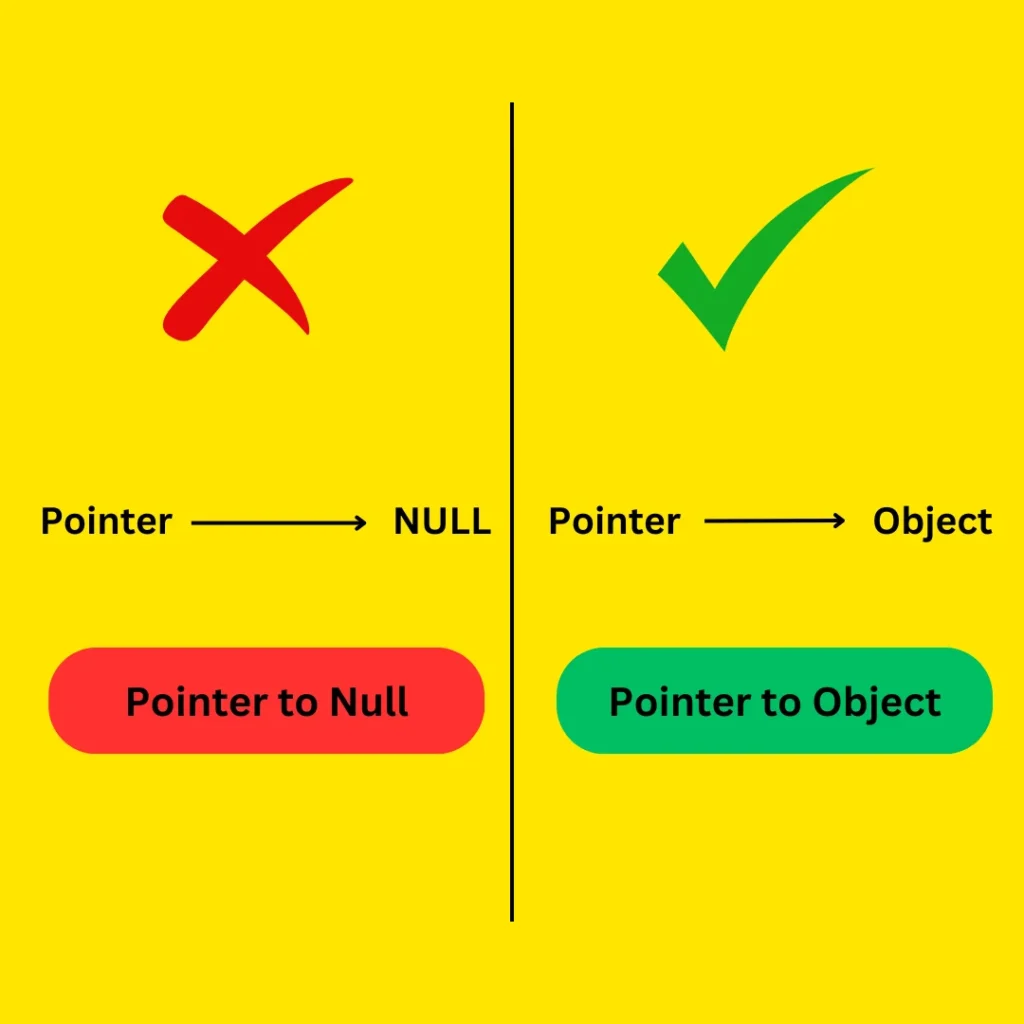
A NullPointerException in Java occurs when a program tries to use an object reference that has a null value, meaning it does not point to any object in memory. This can happen when calling a method, accessing a field, or using an array that was never initialized.
To fix this issue, developers usually initialize objects properly or check whether a variable is null before using it.
For example:
String str = null;
System.out.println(str.length());
Since str does not reference any object, Java throws a NullPointerException.
5 Common Causes of NullPointerException in Java
Following are some common causes of NullPointerException that can occur while programming in Java.
1. Uninitialized Object Variables
Similar to accessing methods on a null object, accessing a field on a null object also causes a NullPointerException. This happens when you try to use an object that hasn’t been created yet. Always check whether the object is null before accessing its fields to avoid this error. For more on safely handling input and output in Java, see User Input and Output in Java.
In the following code, the object of the Person class is assigned to null or not; either way, a NullPointerException will occur because the default value of a reference variable is null in Java. And when you try to access the field name on the reference variable pointing to null, it will cause a null pointer exception.
Example Code
public class Main {
    public static void main(String[] args) {
        Person person = null; // or Person p;
        System.out.println(person.name); // This will cause a NullPointerException
    }
}

class Person {
    String name;
}
Output
ERROR!
Exception in thread "main" java.lang.NullPointerException: Cannot read field "name" because "<local1>" is null
	at Main.main(Main.java:4)
Solution: Initialize the Object Before Using It
Before accessing a field in an object, always check if the object is null. This means making sure the object has been properly created. If it’s null and you try to access its fields, you’ll get an error.
Solution Code
public class Main {
    public static void main(String[] args) {
        Person person = null;
        if (person != null) {
            System.out.println(person.name);
        } else {
            System.out.println("Person is null");
        }
    }
}

class Person {
    String name;
}
Output
Person is null
2. Calling a Method on a Null Object
Accessing a method on a null object causes a NullPointerException. This issue occurs when you try to call a method on a null object. Since there is no object to invoke the method on, it results in a NullPointerException.
In this example, str is null, so calling str.length() results in Exception in thread "main" java.lang.NullPointerException. However even if you declare a reference variable and assign it to nothing, still, it will cause NullPointerException because the default value of a reference variable in Java is null.
Example Code
public class Main {
    public static void main(String[] args) {
        String str = null; // or String str;
        System.out.println(str.length()); // This will cause a NullPointerException
    }
}
Output
ERROR!
Exception in thread "main" java.lang.NullPointerException: Cannot invoke "String.length()" because "<local2>" is null
	at Main.main(Main.java:5)
A simple way to explain this situation is when you call someone and the number you dialed does not exist, so it responds with doesn’t exist, similarly since there are no object or the number in use it results in Null pointer exception

Solution: Add a Null Check
To avoid a NullPointerException in Java, always check if an object is null before calling its methods. This ensures that you only interact with valid objects. For example, use an if statement to verify that the object isn’t null before proceeding with method calls. Or either you can initialize the reference variable to an object if you forgot to.
Solution Code
public class Main {
    public static void main(String[] args) {
        String str = null;
        if (str != null) {
            System.out.println(str.length());
        } else {
            System.out.println("String is null");
        }
    }
}
Output
String is null
3. Accessing an Array Element on a Null Array
If you try to access an element in an array that hasn’t been initialized (i.e., it’s null), Java will throw a NullPointerException. This happens because you’re trying to work with an array that doesn’t exist in memory yet. Always make sure to initialize your arrays before accessing their elements.
Example Code
Here, arr is null, so accessing arr[0] throws an exception.
public class Main {
    public static void main(String[] args) {
        int[] arr = null;
        System.out.println(arr[0]); // This will cause a NullPointerException
    }
}
Output
ERROR!
Exception in thread "main" java.lang.NullPointerException: Cannot load from int array because "<local1>" is null
	at Main.main(Main.java:4)
Solution: Initialize the Array
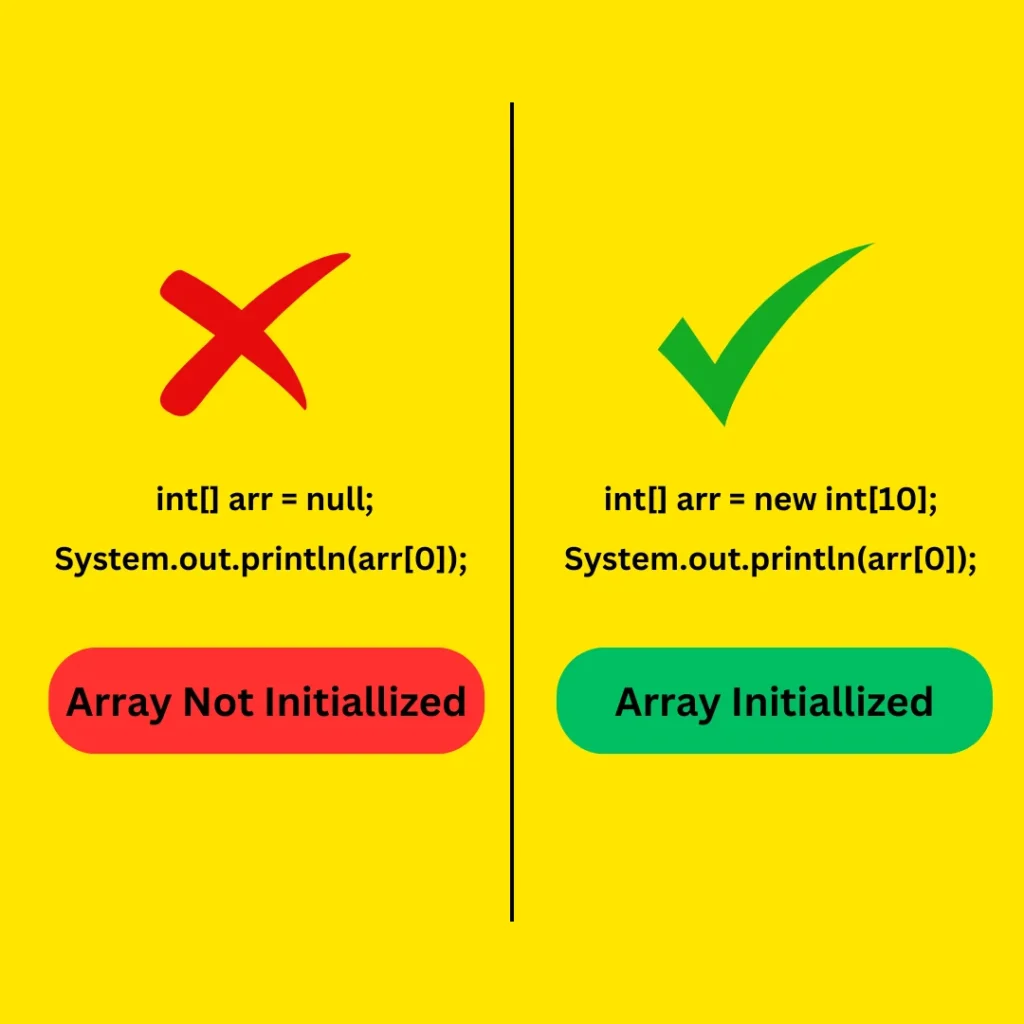
To avoid a NullPointerException with arrays, make sure the array is properly initialized before you try to use it. Initializing the array means setting it up so you can store and access its elements. If you don’t initialize it, the array is null, and trying to access it will lead to an error.
Solution Code
In the following code, array is now properly initialized with ten elements and the default value is zero for each element.
public class Main {
    public static void main(String[] args) {
        int[] arr = new int[10];
        System.out.println(arr[0]); // This will not cause an exception
    }
}
Output
0
4. Returning Null from a Method
If a method returns null and you try to call another method on that result, you’ll get an error. To avoid this issue, always check if the result is null before using it.
In the following code, the getMessage() method returns null and is assigned to str in main. So when we call the str.length() it will cause the NullPointerException because the str is pointing to null.
Example Code
public class Main {
    public static void main(String[] args) {
        String str = getMessage();
        System.out.println(str.length()); // This will cause a NullPointerException
    }

    public static String getMessage()
    {
        return null;
    }
}
Output
ERROR!
Exception in thread "main" java.lang.NullPointerException: Cannot invoke "String.length()" because "<local2>" is null
	at Main.main(Main.java:4)
Solution: Check the Return Value
Before calling methods on a value returned from another method, make sure it’s not null. Checking this helps prevent errors from happening.
Solution Code
public class Main {
    public static void main(String[] args) {
        String str = getMessage();
        if(str != null)
        {
            System.out.println(str.length()); // This will cause a NullPointerException
        }
        else
        {
            System.out.println("Returned string is null");
        }
    }

    public static String getMessage()
    {
        return null;
    }
}
Output
Returned string is null
5. Autoboxing a Null Wrapper Class
When you try to unbox a null value from a wrapper class (like Integer or Double), it causes a NullPointerException. Unboxing means converting the wrapper class back to a primitive type. If the wrapper is null, there’s nothing to convert, leading to an error.
Example Code
public class Main {
    public static void main(String[] args) {
        Integer num = null;
        int value = num; // This will cause a NullPointerException
    }
}
Output
ERROR!
Exception in thread "main" java.lang.NullPointerException: Cannot invoke "java.lang.Integer.intValue()" because "<local1>" is null
	at Main.main(Main.java:4)
Solution: Check Before Unboxing
Before unboxing a wrapper class (like Integer or Double), always check if the instance is null. If it is null, you can’t convert it to a primitive type and will get an error. Checking for null helps avoid this problem.
Solution Code
public class Main {
    public static void main(String[] args) {
        Integer num = null;
        if (num != null) {
            int value = num;
            System.out.println(value);
        } else {
            System.out.println("Integer is null");
        }
    }
}
Output
Integer is null
An interesting way to flag this issue is to visualize the code using tools like Python tutor to see what’s happening in each step of execution, where the reference variable are pointing to? And much more.
Debugging Tip: Use the Stack Trace
Whenever a NullPointerException occurs, Java prints a stack trace.
The stack trace shows:
- the exact line number
- the class
- the method where the error occurred
Example:
Exception in thread "main" java.lang.NullPointerException
at Main.main(Main.java:5)
This information helps developers quickly locate the issue.
Another useful trick is to break complex method chains into multiple lines, which makes debugging easier.
Conclusion
A NullPointerException occurs when a Java program tries to use an object reference that points to null. This error is very common, especially for beginners working with objects and methods.
In this guide, you learned five major causes of NullPointerException and practical solutions to fix them. By initializing objects, checking for null values, and writing defensive code, you can avoid many runtime errors.
Understanding these patterns will help you write safer and more reliable Java programs.
FAQs
What causes a NullPointerException in Java?
A NullPointerException (NPE) happens when a program tries to use an object that points to null. This can occur when calling a method, accessing a field, or working with arrays that were never initialized. Essentially, Java cannot operate on something that doesn’t exist in memory.
How do you fix a NullPointerException in Java?
You can fix it by checking if variables are null, initializing objects before using them, and making sure methods do not return null unexpectedly. Breaking long, complex lines into smaller steps also helps identify which object is causing the error.
How do I fix a NullPointerException in Java? (Detailed Workflow)
Typical NPE Resolution Workflow:
- Break down complex lines – separate chained method calls to isolate null references.
- Add more null checks – use
if (object != null)orObjects.requireNonNull(). - Higher verbosity logging – log variable states before use to detect nulls early.
- Adopt a continuous reliability mindset – write defensive code and test edge cases.
- Perform Java NullPointerException analysis – use stack trace to locate the exact cause.
What is the root cause of NPE?
The root cause is trying to operate on a null object. Common scenarios include: calling a method on a null object, accessing fields of a null reference, or accidentally returning null in a method. Proper initialization and null checks are key to prevention.
Can NPE be prevented?
Yes. Prevent NPEs by initializing objects, performing null checks, returning empty collections or strings instead of null, and using Objects.requireNonNull() for safer coding. Following best practices reduces runtime errors and improves code reliability.
Why is NPE common in Java?
NPEs are common because Java uses reference variables for objects. If a reference isn’t assigned to a valid object, it points to null. When the program tries to use it, Java cannot proceed, causing the exception.